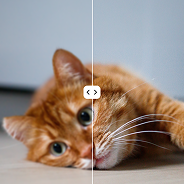
Sharpen
Make edges and small details easier to see after an upscale.
Upload a JPEG, PNG, or WebP and enlarge it 2× or 4× with upscale photo AI. Sign in, spend credits, and download a sharper result — including upscale image to 4k class output when the source allows.
By uploading a file, you accept the Terms of Service and Privacy Policy.
No file handy? Try a sample.
Upload your own image to process it.
Choose a related enhancement when you need extra sharpness, restored detail, or cleaner portraits after you upscale image files.
Make edges and small details easier to see after an upscale.
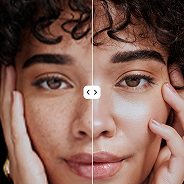
Smooth texture and small visual defects without changing the scene.
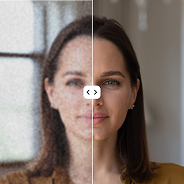
Improve facial detail on portraits after you enlarge the photo.
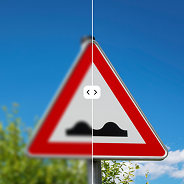
Reduce general blur and bring back readable detail.
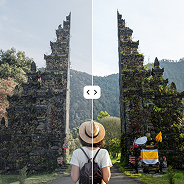
Raise local contrast on photos with low visibility.
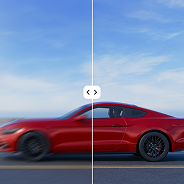
Reduce traces of camera or subject movement.
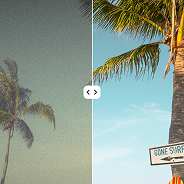
Prepare old or damaged photos before further enhancement.

Add color to black-and-white images for review.
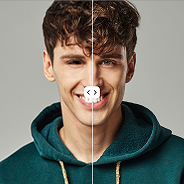
Make faces clearer on old or small photos.
Compare the source photo with the enlarged result after AI upscaling.


Choose how to upscale image catalogs for a team, store, or product pipeline.

Talk through large catalogs in one upscale image workflow.
We match the connection format to your volume and process.

Connect image upscaling to your product or internal workflow.
Contact us for integration parameters.
Jump to the main parts of the upscale photo AI workspace.
Upload a file, choose an available scale, and pick the output format.
Open the toolUse the interactive slider to review images before and after.
View comparisonCheck supported formats, file size, and resolution limits.
Read the answersFollow upload, job start, and result readiness in the workspace.
Start nowContact the team to discuss a custom connection.
ContactLearn about formats, scales, processing, and result access.
Go to questionsWrite to the team if you need a separate workflow.
Open contactsPricing
Subscribe for regular processing or buy a one-time credit pack.
Start in the online tool and review a result before you pick a plan.
0,02 $/credit
48,99 $ per year
Yearly billing with automatic renewal.
Cancel anytime.
Because AI processing is costly, payments are not refunded. Try the free plan first.
0,20 $/credit
9,99 $ One-time
FAQ
Short notes on upload, processing, and downloading the result.
Upload your photo, select 2× or 4×, and the AI enlarges resolution. Each upscale image job needs a signed-in account and credits. JPEG, PNG, and WebP are supported.
Upload a file, choose a 2× or 4× scale, and upscale image output after you sign in. The workspace checks file limits before a credit is charged.
The service creates a job and shows the current stage. When it finishes, you can compare the source image with the enlarged result.
Available scales depend on the source size and estimated output resolution. Fine detail can differ from image to image.